 AppKeeper
What APK and .apks files are, and how to install them
An APK is an Android app in one file. Many Google Play apps are split into several APKs: a base and parts for your screen, language and processor. AppKeeper saves those together as one .apks file.
When you install an app from Google Play, Play picks the parts that fit your phone and installs them together. You never see the files. When you back an app up, or someone sends you one, you get the files themselves, and the kind of file decides how it's installed.
Installing an APK
- Open the .apk file from your file manager, or from the app it arrived in.
- The first time, Android asks you to allow installs from that app ("Install unknown apps"). Allow it only for apps you trust.
- Confirm the install.
Installing an .apks file Coming soon
Android can't open .apks files by itself. In the next release, open the file with AppKeeper, or share it to AppKeeper, and it checks the file and installs all its parts in one go. Until then, .apks backups that AppKeeper made can be restored from its Archived tab as usual.
Checks before installing
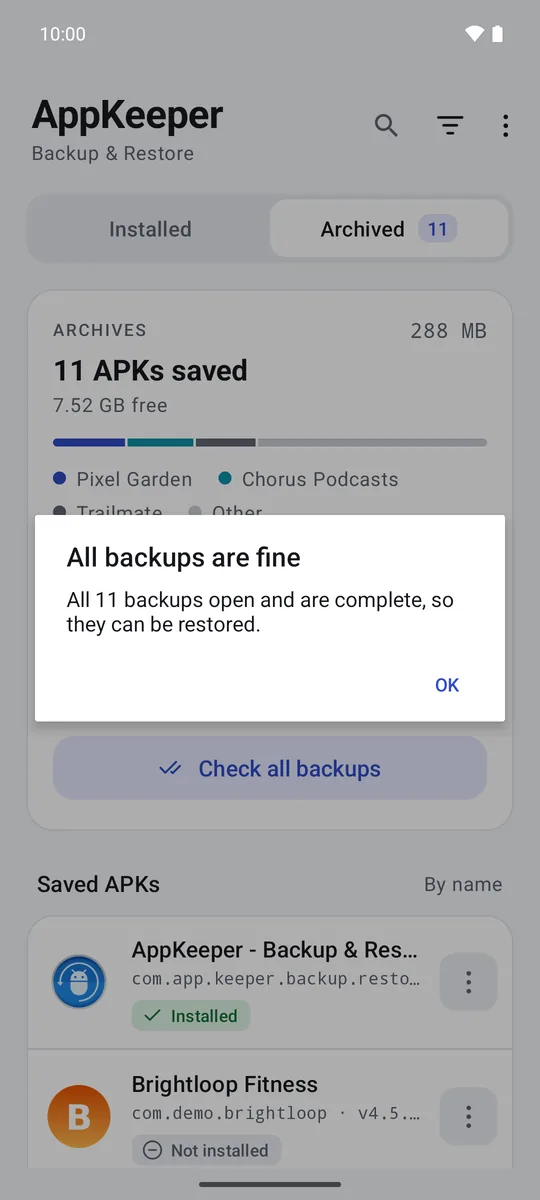
Before anything is installed, AppKeeper explains these problems:
- Damaged or incomplete files, for example a download that stopped halfway.
- A different signing key from the installed app. Android won't install it over the app you have, and it may not come from the same developer.
- Parts made for another phone. An .apks file holds the parts for the phone it came from; if yours is quite different, the app may not install or run. Installing it from Google Play is the fix.
Sharing a backup Premium Coming soon
In the next release, open a backup's menu in AppKeeper and tap Share to send it, for example over Quick Share. AppKeeper on the other phone opens and installs it, with the same checks.
Where AppKeeper keeps its files
Backups are ordinary files in the folder you chose, named after the app, its package and its version, for example
Trailmate_com.demo.trailmate_3.2.1.apk or Pixel_Garden_com.demo.pixelgarden_1.9.3.apks. You can
copy them to a computer or an SD card like any other file.
Be careful where files come from
An APK can contain any app, including harmful ones. Install files you backed up yourself, or ones from people and sites you trust. AppKeeper's signing-key check helps: an update signed with a different key than the app you have is a warning sign.